My digital nomad setup
Portable monitor stand for travel: my dual-screen setup for under $200
A 15.6-inch portable monitor, a mini tripod and a magnet: the second screen fits in a 30‑liter backpack. No extra keyboard or mouse, your laptop's stays in use, and a single USB-C cable does everything.
- 4 parts
- under $200 in total
- 1 USB-C cable
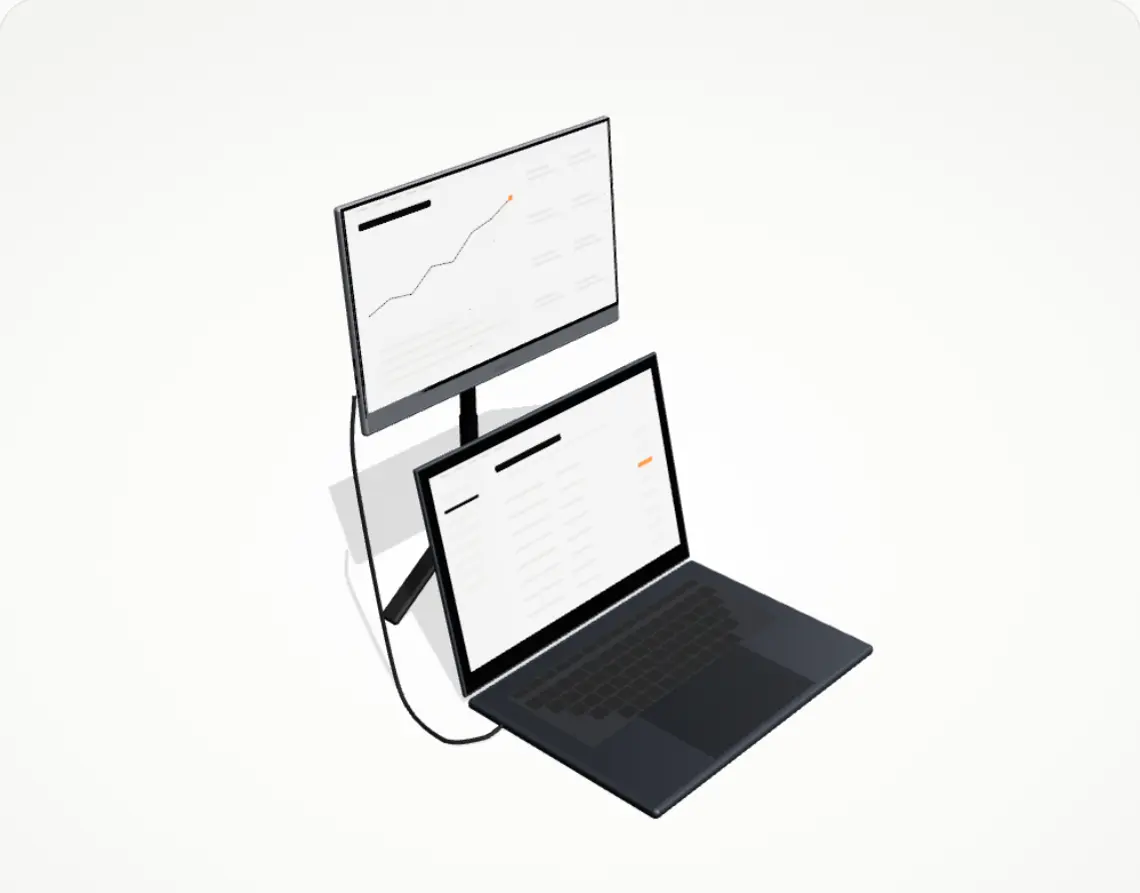
The four parts of the setup
In assembly order. Each link goes to the product on Amazon.com.
-
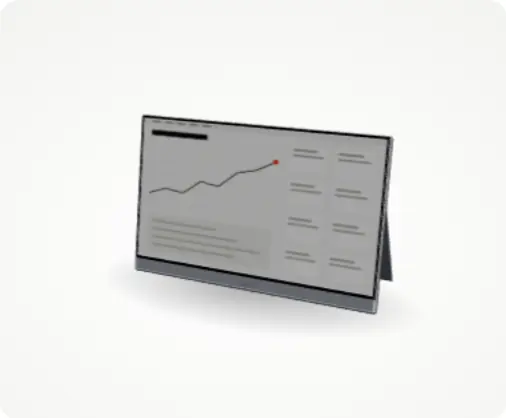
ARZOPA A1 portable monitor
The second screen: 15.6 inches, Full HD, with a kickstand on the back. Light, cheap, and it does the job very well.
See on Amazon -
WixGear adhesive metal plates
One plate sticks to the back of the screen. That's what the magnet grabs.
See on Amazon -
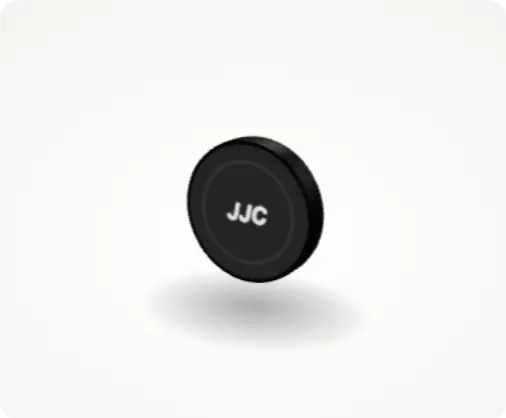
JJC MagSafe tripod mount
The round magnet screws onto the tripod and holds the screen by its plate.
See on Amazon -
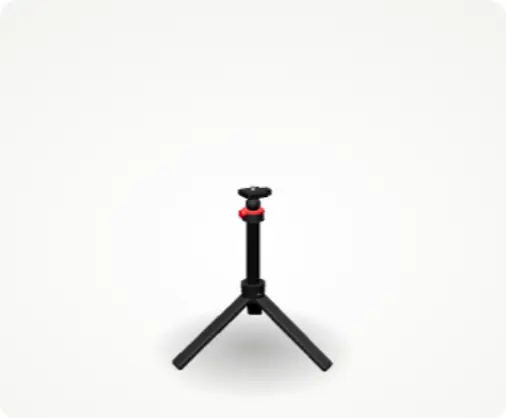
ULANZI MT-16 tripod
Raises the screen to eye level. I also use it to film myself.
See on Amazon
The full setupunder $200Checked on Amazon.com on October 26, 2026. Amazon's price on the day you buy is the one that counts.
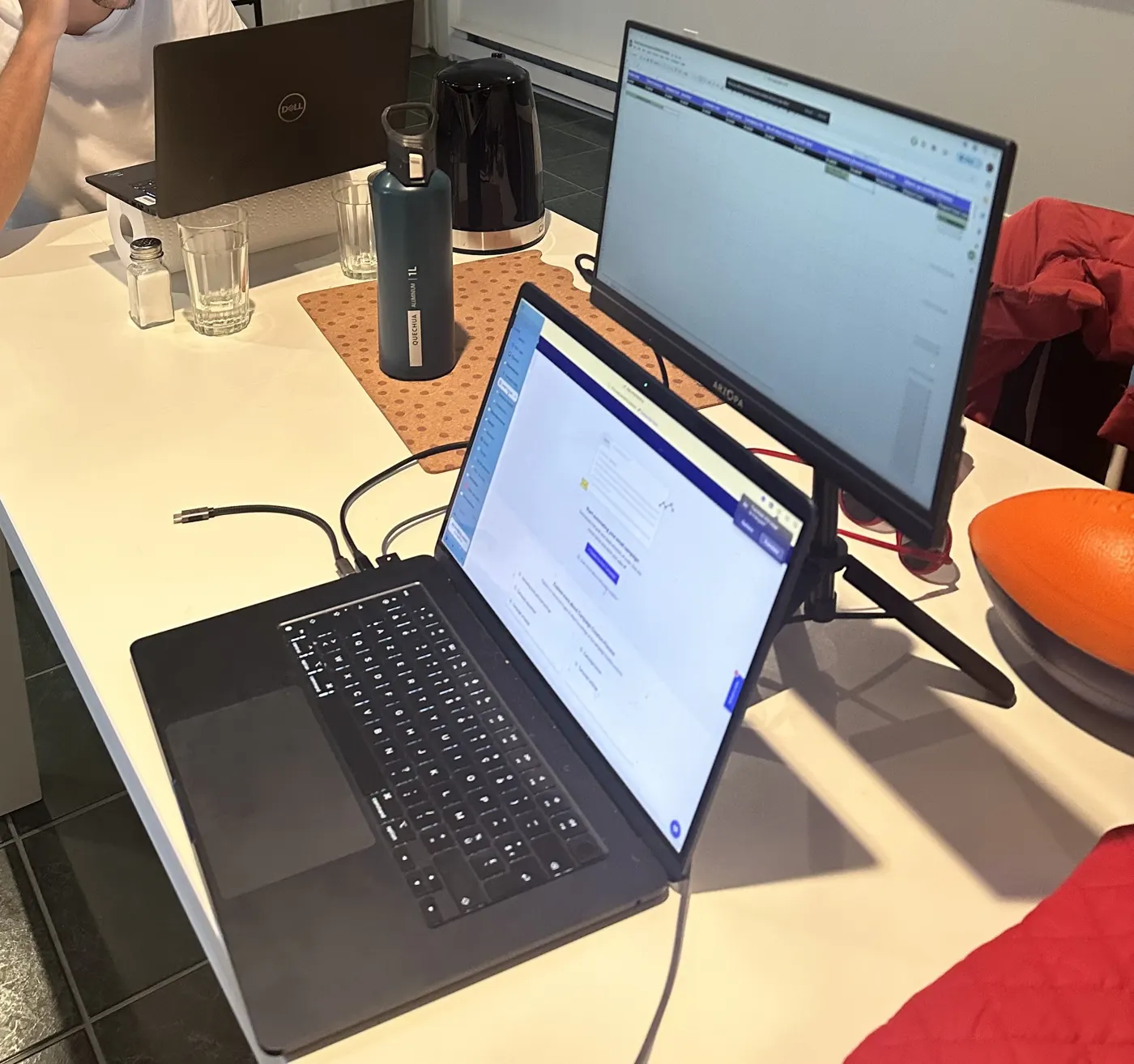
Mount the portable monitor in three moves, no tools
- Stick a plate on the back of the screen, once and for all.
- Screw the MagSafe mount onto the tripod, then extend it to eye level.
- Set the screen on the magnet and plug it into your laptop with USB-C. Picture and power both go through that one cable.
On the road, the screen packs flat in the bag, with the folded tripod next to it.
Four ways to get a second screen with a laptop
They don't solve the same problem. It all depends on what travels with you.
Your questions
What portable monitor stand works for travel?
I use a mini camera tripod with a ball head: it folds into a handle, weighs 6 oz, and raises the screen to eye level. A MagSafe tripod mount screws on top, and a metal plate on the back of the monitor does the rest.
Can a tripod hold a portable monitor?
Yes, if the monitor is light. The ARZOPA A1 weighs 1.64 lb (744 g); the JJC mount holds it by its plate with 2.3 kg (5 lb) of magnetic force per JJC, and the ULANZI MT-16 carries up to 1.5 kg (3.3 lb) per Ulanzi.
How do I mount a portable monitor without a VESA mount?
Stick a thin metal plate on the back of the monitor and let a magnetic MagSafe mount hold it. The mount screws onto any standard 1/4" tripod thread, so no drilling and no VESA holes are needed.
How do you set it up?
Stick a metal plate on the back of the screen, screw the MagSafe mount onto the tripod, set the screen on the magnet, then plug it into your laptop with USB-C. No tools.
How is the screen powered?
Through the same USB-C cable that carries the picture: your laptop powers it. On battery, expect about 30% less battery life, from my own use.
Will it work with my laptop?
You need a USB-C port with video output (DisplayPort or Thunderbolt), which recent MacBooks and most recent Windows laptops have. Without one, the screen connects over HDMI, but then it needs its own power.
Why a second screen?
To work on two windows at once without juggling, and to lift your head: on the tripod, the screen sits at eye level, and your neck will thank you.
Why this setup and not another?
The others make you raise the laptop, so you carry an extra keyboard and mouse: more weight and more space in the bag. Here, the laptop keyboard stays in use.
Which laptop should I pick?
I recommend a 15-inch MacBook Air with 16 GB of RAM, M2 or M3.
Links go to Amazon.com. Price and stock are Amazon's on the day you buy.